
The 2026 Audio Fingerprinting Crisis: How Websites Track Your Sound Card in Absolute Silence
You'd expect to hear something if a website started poking at your audio hardware — a chime, a click, a permission box. Instead, there's nothing. In that silence, a script can take the measure of your sound card and walk away with an identifier that follows you around the web.
See Where Total Adblock Fits
Before this sounds like a horror story, let me be clear about what's real and what's exaggerated. The technique exists, it has a name, and it works without a single popup. But its reliability depends on conditions, and no defense against it is a magic shield. Below, we'll go through how tracking slipped from deletable files toward the hardware itself, what the Web Audio API actually exposes, why your machine produces a sound signature unlike anyone else's, and where a tool like Total Adblock can genuinely help, caveats included.
When tracking moved from your files to your hardware
For a long time, surveillance lived in things you could erase. Cookies sat on your drive until you cleared them. Invisible pixels logged a page view. Click trackers noted where you went. The whole game ran on temporary files, and over time, people and browsers got better at sweeping them away.
That cleanup created a problem for the advertising industry. As privacy rules tightened through 2026 and ad blockers became something ordinary people actually install, the deletable file stopped being a dependable anchor. So the focus shifted. If a profile built on cookies can be wiped in seconds, why not tie identity to something that can't be wiped at all: the physical device in your hands.
Most people already know the obvious hardware risks. The webcam, the microphone. You guard those, and rightly so. What fewer people suspect is a component that never asks for attention and rarely shows up in any privacy checklist: the sound card. It turns out your audio hardware has a personality of its own, and that personality can be read without ever making a sound.
The Web Audio API loophole
The method goes by the name AudioContext fingerprinting, and it leans on a legitimate browser feature called the Web Audio API. This API wasn't built for tracking. It exists so that browser-based games, online synthesizers, and web video editors can generate and process audio right on your device instead of leaning on a distant server. Plenty of sites use it for exactly those honest purposes.
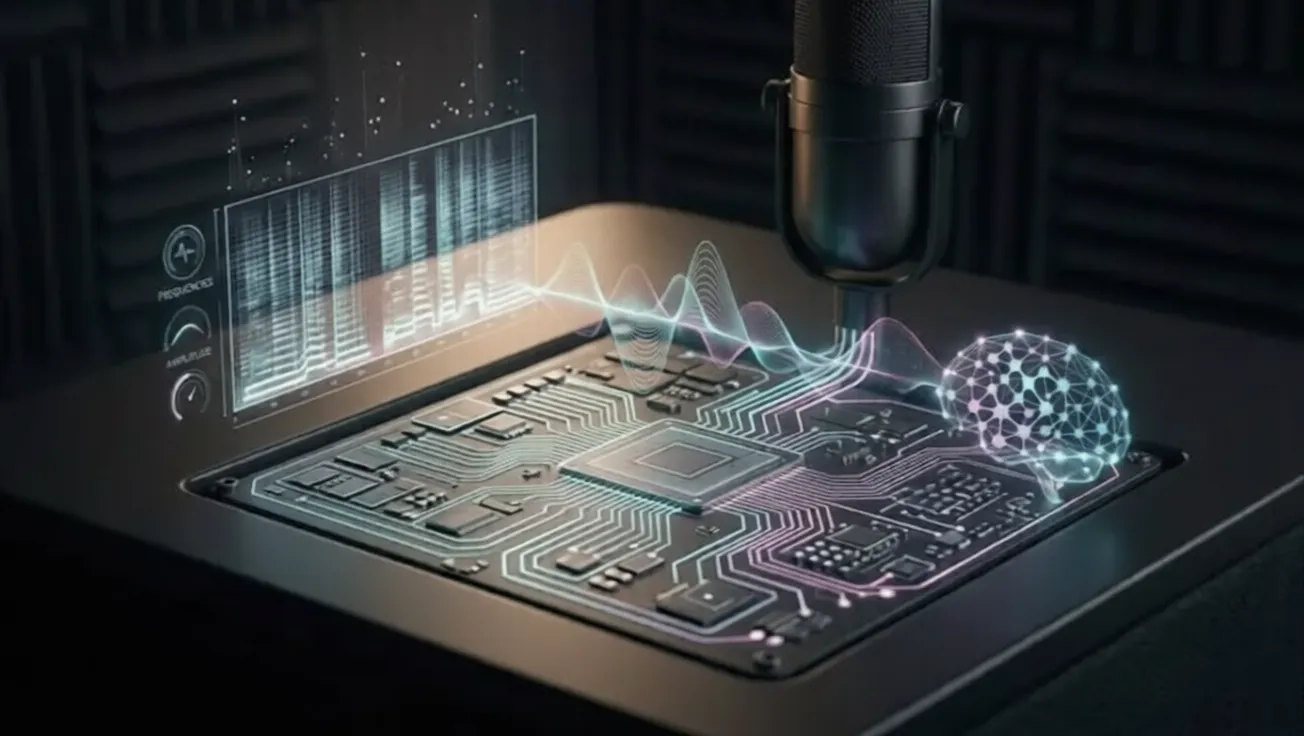
The trouble is that the same machinery can be turned to a different end. When you land on a page, a script can ask the Web Audio API to generate a complex, low-frequency signal, then run that signal through your system's audio processing stack. Digital filters get applied. Volume compression happens. Mathematical transformations shape the wave. All of it occurs internally, as pure computation, with no intention of ever reaching your speakers.
What the script cares about isn't the sound. It's how your particular setup handles the math along the way.
The microscopic sound signature
Here's the part that makes any of this possible. No two audio environments process that signal in quite the same way. Your specific sound card model, your operating system, your CPU architecture, and the exact version of your audio drivers all leave their mark on how the wave gets transformed. Tiny differences, far too small to ever notice while watching a video or playing a song, add up to a measurably distinct result.
So the wave your machine produces ends up infinitesimally different from the wave produced next door. The script never plays it aloud. It compresses the final output into a compact hash, something that looks like 83b4c1a9d7..., and treats that string as a reasonably stable signature of your device.
A fair caveat belongs here, though. This signature isn't quite the unbreakable DNA marker some descriptions suggest. Driver updates, OS changes, and even certain hardware swaps can shift it. Devices that share the same model and software can sometimes produce similar hashes too. It's a strong, durable signal, especially when combined with other clues, but "near-perfect and permanent" oversells it. The honest framing is that it's stable enough to be useful to a tracker, and that's already enough to matter.
The "zero-permission" vulnerability
You'd reasonably assume your browser would step in. After all, when a site wants your microphone, it throws up a loud, unmissable request, and nothing happens until you agree.
Audio fingerprinting sidesteps that entirely, and the reason is almost mundane. Your microphone records the world around you, so it's treated as sensitive and gated behind consent. The Web Audio API, by contrast, generates and processes sound internally. It isn't listening to your room; it's doing math. Browsers classify that as a routine page function, the same category as drawing graphics or running a script.
The result is no popup, no permission prompt, and no little indicator telling you your hardware is in use. The whole measurement can finish within milliseconds of the page loading, and you'd never know it happened. That gap between what feels invasive and what the browser actually flags is precisely where this technique lives.
Why VPNs and incognito mode fall short
This is where the usual advice runs into a wall, and it's worth being straight about why each common move misses.
Incognito mode
Incognito mode is built to forget. When you close a private window, it discards cookies and history. That's genuinely useful for some things, but it touches nothing physical. Your drivers and your sound card are exactly the same before and after, which means the audio fingerprint computed in a private window can come out essentially identical to your everyday one. You've cleared your tracks, not changed your machine.
VPNs
A VPN aims at a different layer. It encrypts your traffic and hides your IP, which matters for plenty of reasons worth keeping. But your sound card's computed hash still travels right through that encrypted tunnel to whoever is collecting it. A tracker can simply pin your fresh, anonymous IP to the same hardware signature it already recognizes, and the masking quietly unravels.
Spoofing
Then there's spoofing, where some extensions inject random noise into the audio output to confuse the math. Against cruder fingerprinting, that sometimes helps. The catch is that obviously fake, jittery output can read as "this isn't a normal user." That can mean more CAPTCHAs, the occasional lockout from a banking portal, and the irony of standing out by trying to blend in. Spoofing isn't useless, but it's far from the clean fix it's sometimes sold as.
The pattern across all three: each defends a layer the tracking has already stepped past.
Silence the surveillance with Total Adblock
If the fingerprint only forms once a script gets to run its audio routine, the sensible moment to act is before that script ever executes. You can't change your sound card, and you shouldn't need to. What you can influence is which scripts your browser loads and which servers it's allowed to reach.
That's the angle Total Adblock works from. Rather than scrambling your audio output after the fact, it uses dynamic, network-level filtering to inspect what a page tries to load as it loads. It aims to spot the third-party domains, telemetry endpoints, and analytics scripts tied to fingerprinting, and to cut those connections before the Web Audio routine ever runs. Block the script, and there's nothing left to measure your hardware with.
A few honest caveats belong right here, because a privacy tool that overpromises does more harm than the tracking it claims to stop:
- No blocker catches everything, every time. The methods and the domains behind them shift constantly, so filtering is ongoing upkeep, not a permanent seal.
- Legitimate and abusive audio code can look alike. A browser instrument and a fingerprinting script both reach for the same API, and telling them apart cleanly isn't always simple.
- The realistic goal is reduction. Fewer profiling scripts reaching execution and less of your hardware behavior leaking out, not a promise that you become invisible.
With those limits on the table, what you can reasonably expect is a defense aimed at the right link in the chain: the network request and the script load, before your sound card is ever quietly questioned.
Reclaim your hardware privacy
The throughline of tracking in 2026 is relocation. As cookies lost their grip, the watching didn't stop; it migrated toward something you can't delete, the physical machine in front of you. Audio fingerprinting fits that pattern neatly. It reads ordinary manufacturing and driver differences as an identifier, asks no permission, and makes no sound. Incognito, VPNs, and spoofing each help with something, just not with this.
The practical response is to stop the profiling script before it runs, held together with level-headed expectations about what any single tool can deliver. If you'd rather your sound card stop answering questions nobody asked it, filtering at the network level is a reasonable place to begin.
Protect Your Browsing with Total Adblock
Stop the profiling script before it runs. If you'd rather your sound card stop answering questions nobody asked it, filtering at the network level — with level-headed expectations about what any single tool can deliver — is a reasonable place to begin.

Disclaimer
This page is a paid advertorial. We may receive compensation if you follow instructions to access products or services mentioned in this article. Please refer to our Advertising Disclaimer and Privacy Policy for more information.